
|
What is “direct linking” and can I do it with ClickMagick?
Direct Linking describes the practice of sending visitors directly from an ad or other promotional link straight to an affiliate link. Here’s how to do it …
Caution: This is against the rules of most major ad networks including both Google Ads and Facebook Ads, so we can’t officially recommend this.
Step 1 – Add a visitor ID to your affiliate link
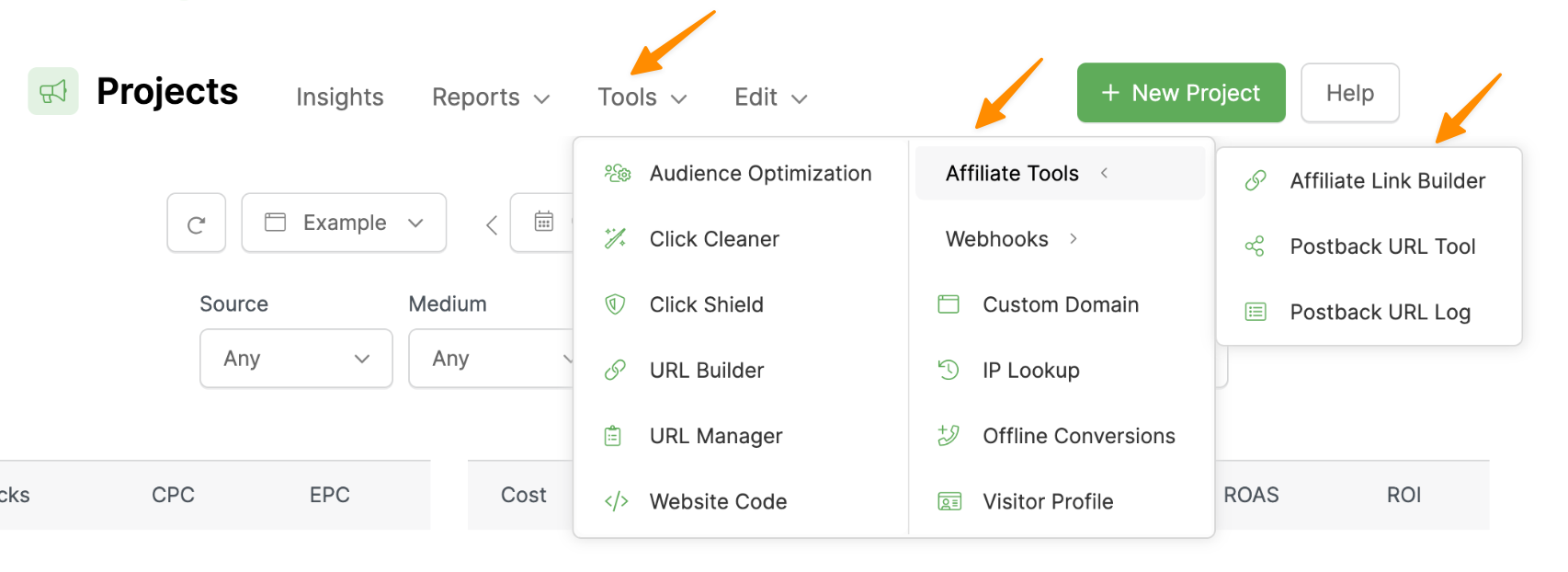
In ClickMagick, go to your Project Dashboard, select Tools, Affiliate Tools, then Affiliate Link Builder.
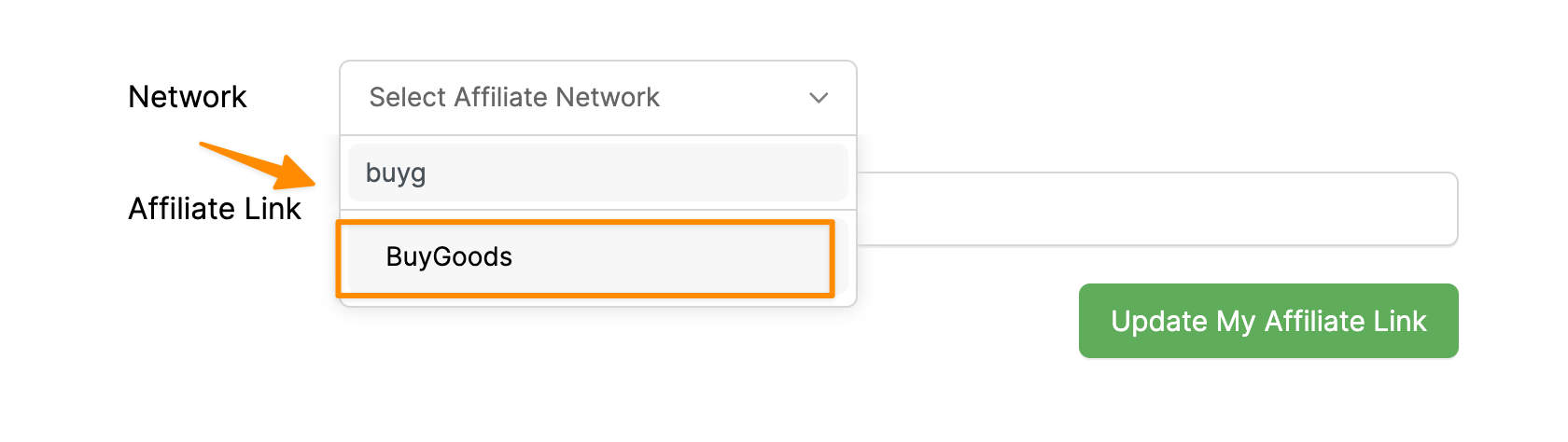
Select your affiliate network (we use Buygoods as an example).
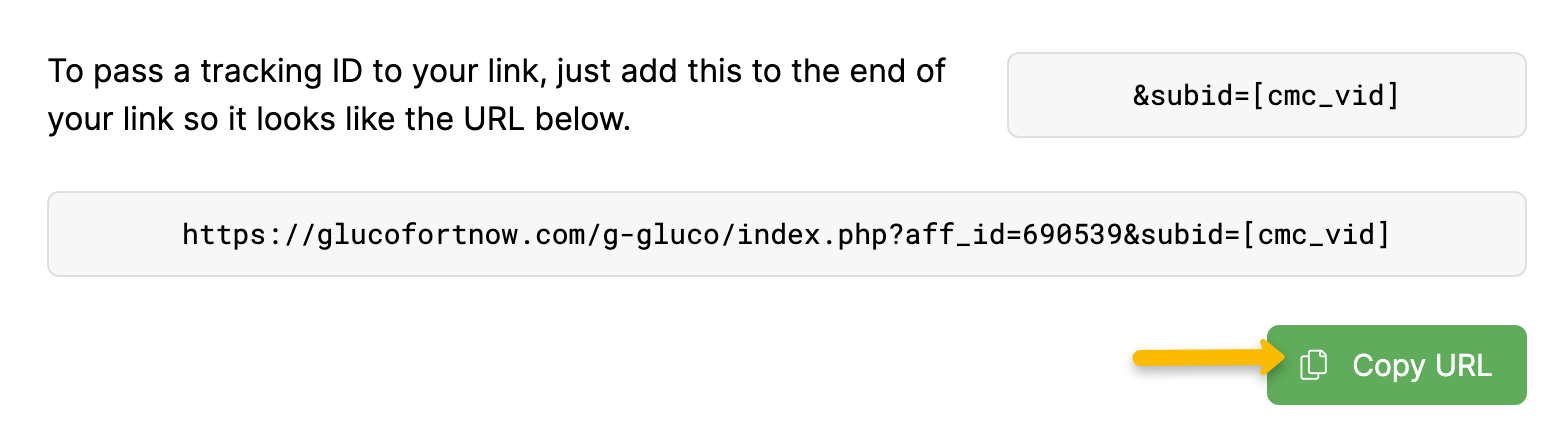
Next, paste in your affiliate link. Hit “Update My Affiliate Link” and you’ll be given an updated affiliate link below.
Step 2 – Create your link using URL Builder
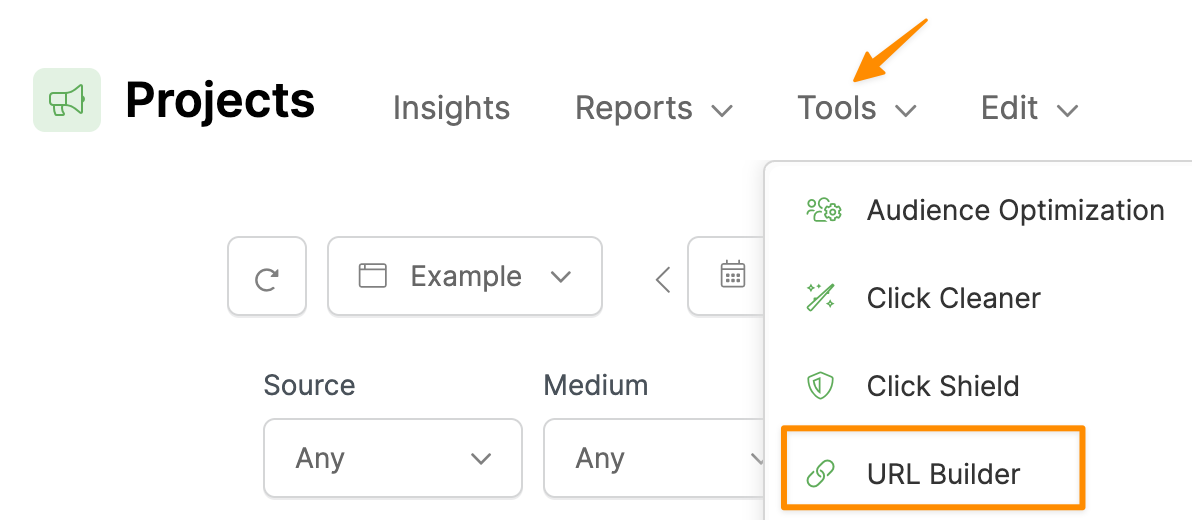
Go to your Project Dashboard, then Tools, then URL Builder.
Enter the URL of any page that contains your click tracking code. It doesn’t matter which page, because users won’t see this page at all. Enter the UTMs you want to use to identify the clicks, including
utm_source, utm_medium and utm_campaign.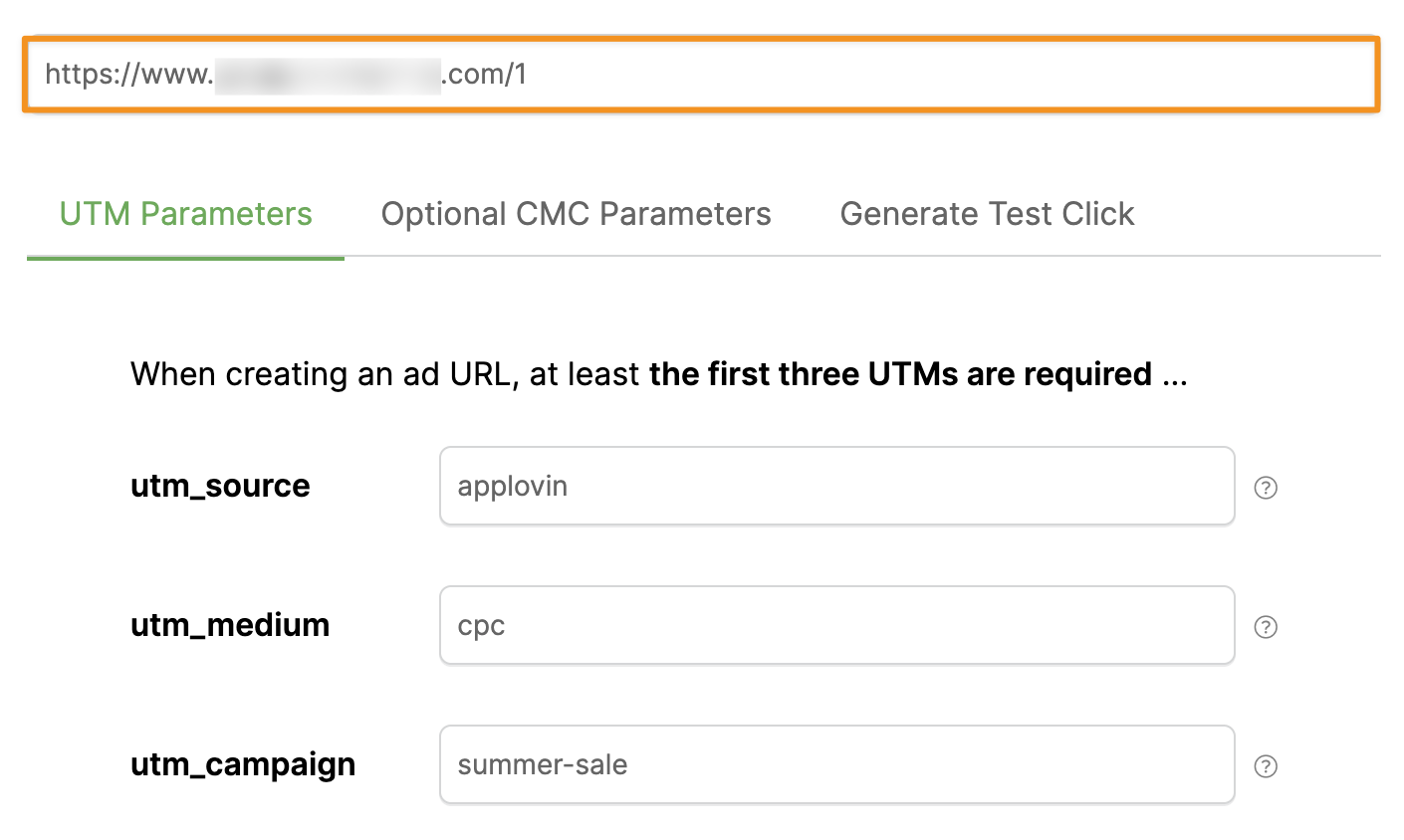
On the “Optional CMC Parameters” tab of the URL Builder, paste your affiliate link from step one in the
cmc_redir field at the bottom.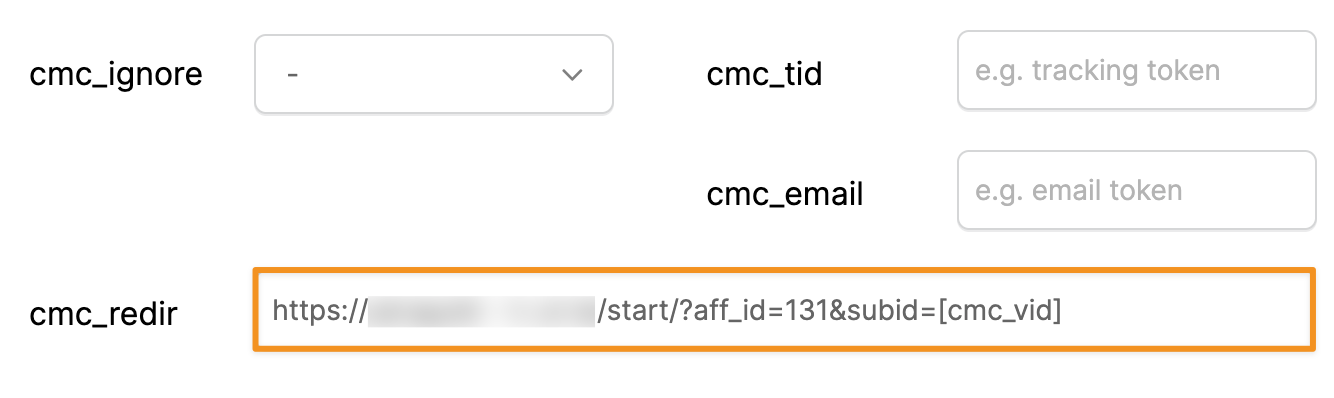
Copy the URL generated by the URL Builder, and use this URL to send traffic to.
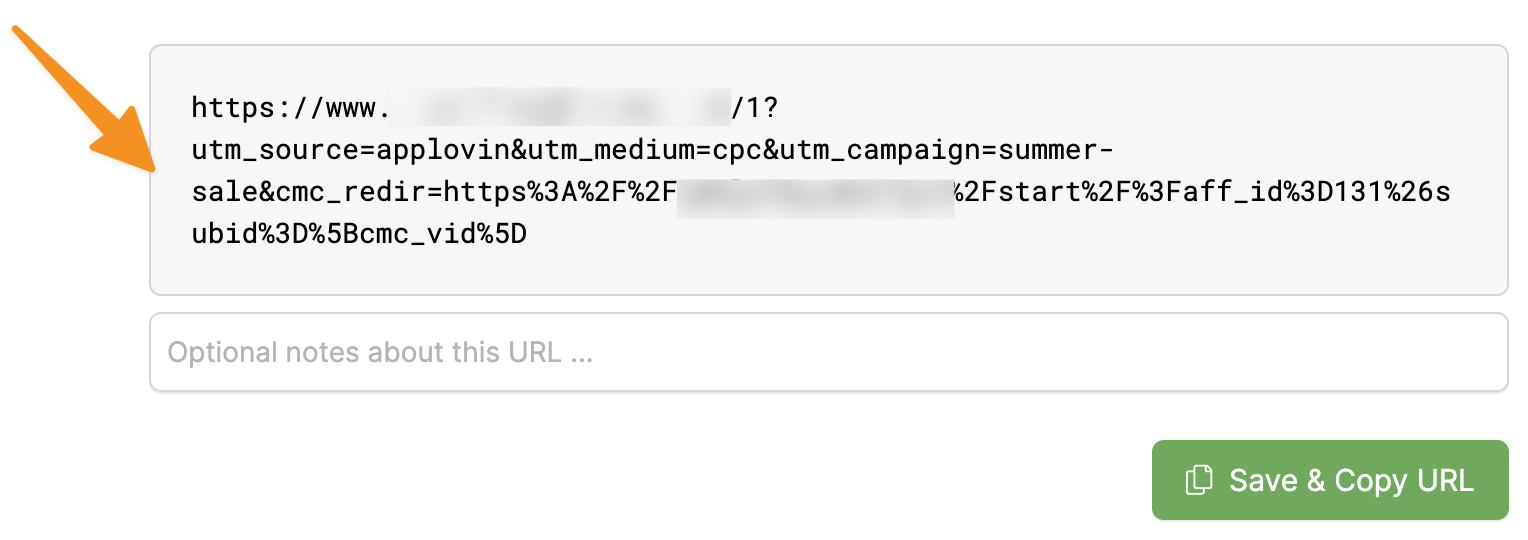
That’s it. You’ll now be able to send traffic directly to your affiliate link.
Article 433 Last updated: 03/23/2026 1:30:30 AM
https://www.clickmagick.com/kb/?article=433